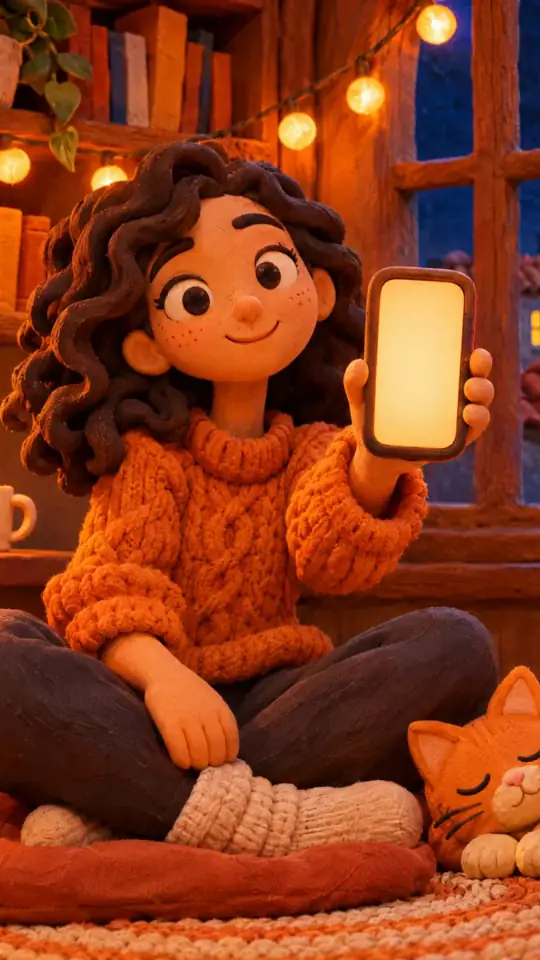
Tech tutorial video maker — Terracotta studio style
Make a tech tutorial video with UI cards floating in light 3D on cream: numbered labels, rolling counters, terracotta plates and italic serif captions.
Входит в Starter со всеми 27 стилями и вашими собственными · превью создано движком ClipOnIt
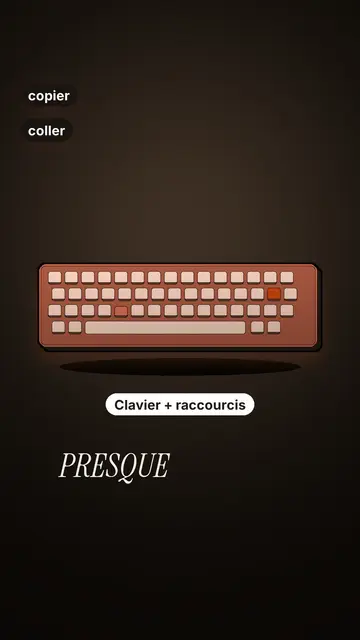
Как выглядит этот стиль
Terracotta studio explains a tool as if on a tidy workbench. On a cream background, interface cards float in light 3D, with real perspective and a warm shadow: an app window, a list of steps, an editing timeline, a sound wave drawing itself, a pad of keys lighting up one by one. At the top, a numbered label (“01”, the tool's name, “free”) says where you are and stays put while that tool is discussed. Each card enters on the word that names it.
The promise lands on a solid terracotta plate: an asterisk, an extra-bold grotesque title and an underlined italic serif word. The key number rolls in a giant counter above a floor of small cards in perspective. Small labels pop around the cards on the strong words, and captions run word by word in uppercase italic serif, the key word in terracotta. The end shows a numbered card and a button that lights up and then gets clicked.
Подходящие темы
Avoid: stories carried by characters, places or emotions: the style shows interfaces, lists and numbers, not scenes from life. Also avoid topics without steps or a concrete tool; a card should always show something you can do.
- Tool tutorialsEach tool gets its numbered label and its cards: viewers follow the order without getting lost, even in 30 seconds.
- Tech tipsA shortcut, a hidden setting, a command: the lit keys and the window show the exact move.
- How things workA search, a sound, an edit: the card filling up shows the mechanism step by step.
- Free tools and app round-ups“3 free tools”, “5 apps to install”: the plate announces the number, the end card sums up the list.
Идеи видео в этом стиле
- 3 keyboard shortcuts that save time
The lit keys, the closed-tabs window, the clipboard history and the card to keep.
- 5 free sites to find sounds
One label per site, the wave drawing itself, the counter of royalty-free sounds and the final list.
- How AI finds an image in one second
The typed search, the scrolling film strip, the image at the exact frame and the accuracy score.
- Editing a video on your phone
The timeline where clips stack up, the sound meter and the “Export” button clicked at the end.
Получить в 1 клик
- Открыть ссылку на стиль
Кнопка «Создать видео в этом стиле» открывает редактор с уже выбранным стилем. Без аккаунта регистрация занимает минуту и не требует карты.
- Опиши тему одним предложением
Достаточно одной идеи. Можно также вставить текст или, в Starter, надиктовать в микрофон: видео тогда будет строиться на вашем голосе.
- Проверьте и запустите рендеринг
ИИ пишет сцены, подбирает элементы стиля и синхронизирует их со словами, добавляет озвучку и субтитры. Вы исправляете неточности, и вертикальный MP4 готов через несколько минут.
Что можно настроить
For each scene you pick one to three cards out of twelve (window, list, timeline, wave, pads, counter, meter, score, numbered frames, search, film strip or a library element), the numbered label for that part, up to three small labels and the word where each one appears. A terracotta plate carries the promise, a number shot rolls the key figure, and the end card lists your tools with a button. Your own voice works too: everything locks onto the spoken words.
Нарисовано в этом стиле
9 517 элементов в библиотеке, поиск по смыслу. Вот некоторые из них:
 Персонажи
 Устройства
 Документы и места
 Данные
 Декорации
 Интерфейсы
 Наука
 Действия
Часто задаваемые вопросы
Бесплатно или нет, результат, применение: короткие ответы.
Do I need screenshots of my tools?
No. The engine draws the interface cards from your text: titles, lines, keys, numbers. No screenshot or brand logo is used.
Можно ли использовать свой голос?
Yes. Record yourself or import your audio: every card, every key and every caption word locks onto what you say.
How is it different from Clean interface?
Clean interface tells a story in OS-style windows with a clicking cursor. Terracotta studio is built for tutorials: cards in light 3D, a numbered label per tool, terracotta plates and counters.
Этот стиль есть в бесплатном тарифе?
Нет, он входит в Starter ($29/мес.): 15 видео в месяц без водяного знака, все 27 стилей и ваши собственные. На бесплатном тарифе 3 видео в месяц с водяным знаком в 8 других стилях: Pixel News, Press paper, Comedy cartoon, Class sketch, Night tale, Social screen, Retro synthwave и Flat vector.
Если вам нравится этот стиль
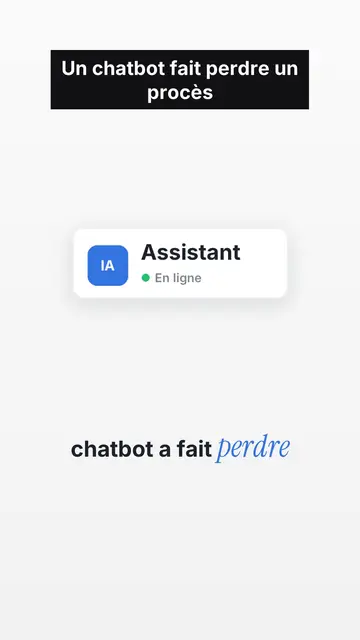
UI motion design explainer video
Clean interface style · The story played out in clean interface cards: windows, buttons, a cursor clicking on the word, key word in serif.
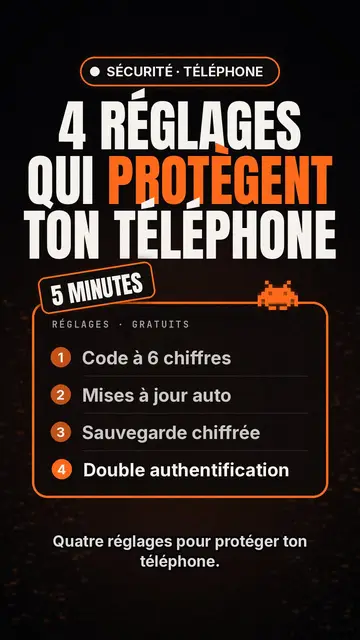
Tech top list video maker
Tech list style · Техно-карточка на чёрном, светящийся бейдж, нумерованный список.
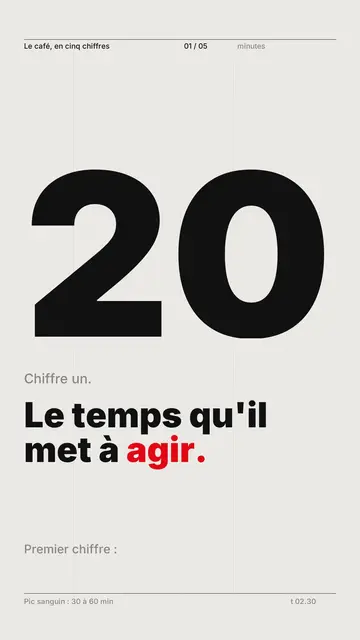
Видеоредактор кинетической типографики
Swiss grid style · Швейцарская типографика: светлая бумага, строгая сетка, огромная цифра, один акцентный цвет.
Ваша идея в этом стиле
Напишите предложение или продиктуйте его: стиль уже выбран, когда вы попадёте в редактор.